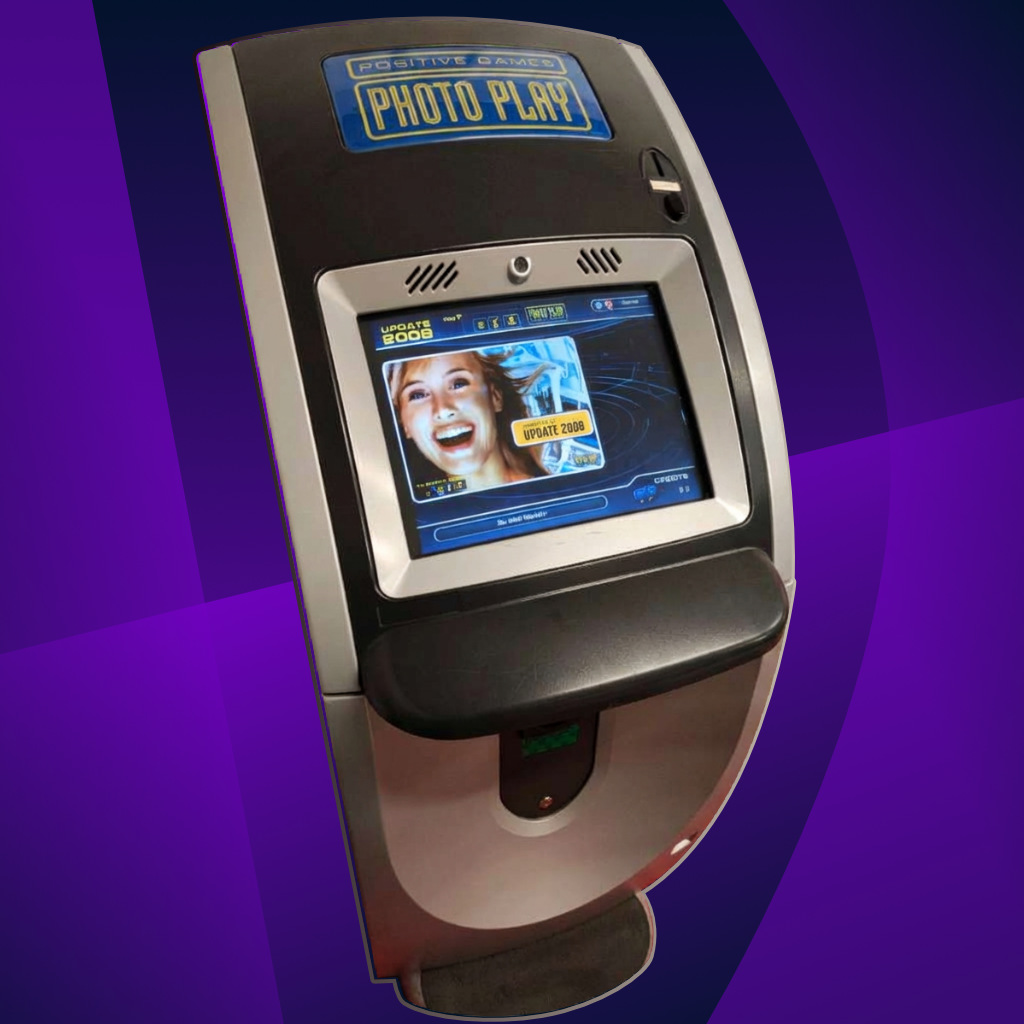
Case Study · 2000–2003
Pioneering
Touch
Ergonomics
Defining touch-first interaction patterns and hand-occlusion-aware layouts for Funworld AG / Photoplay long before the smartphone era.
The Challenge
Designing purely touch-based interfaces on low-resolution CRT hardware required a completely different mindset than mouse-driven UI. The challenge was physical as much as visual: viewing angles, finger precision, arm fatigue, limited screen resolution, and the fact that the user's own hand could block critical information.
My role was to design arcade game interfaces that remained readable, responsive, and reliable under these hardware constraints.
Hardware Constraints
CRT touchscreens
640×480 resolution
limited VRAM, alpha channels
Hardware Design
Studio F. A. Porsche / Porsche Design
Key Innovation
Occlusion-free layouts
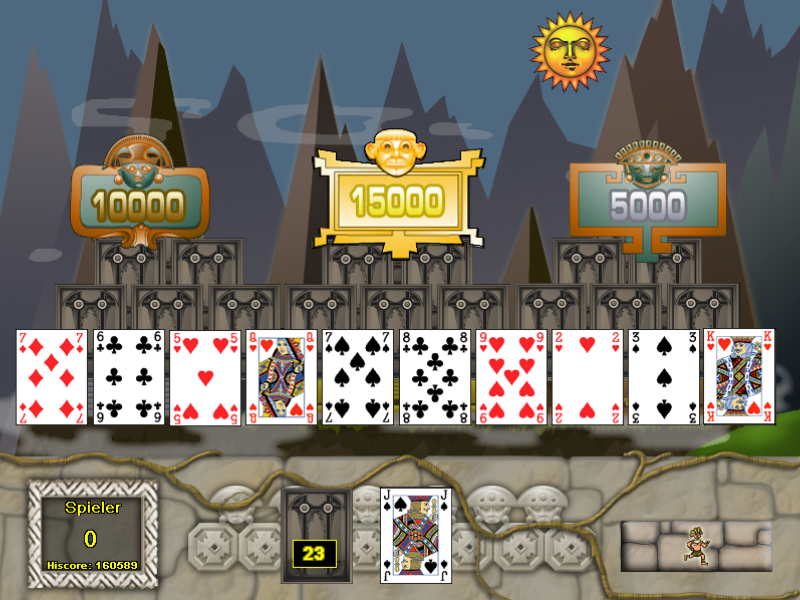
The "Hand-Occlusion"
Paradox
When a user interacts with a touchscreen, their own hand can block the view. In arcade games, where instant feedback and quick decisions were essential, this became a critical UX problem.
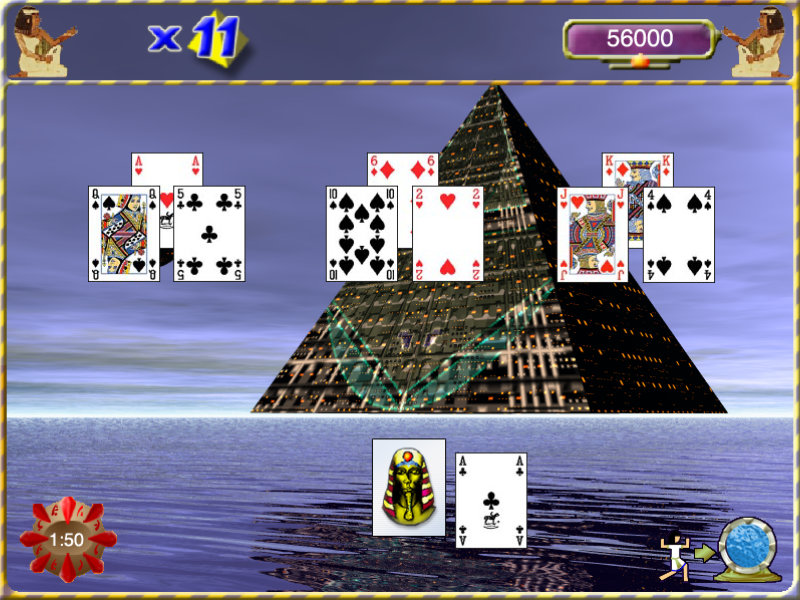
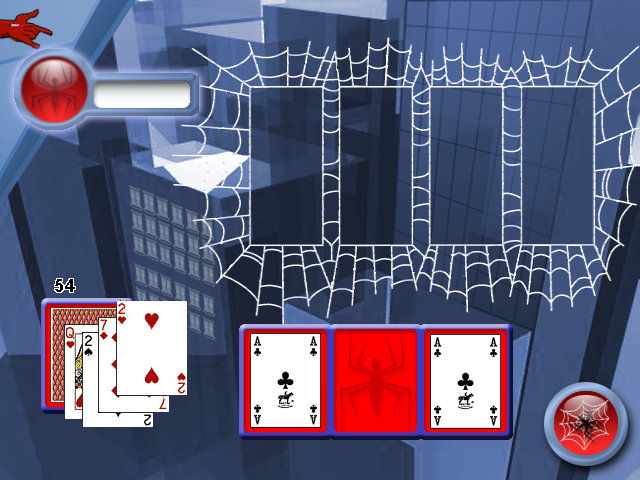
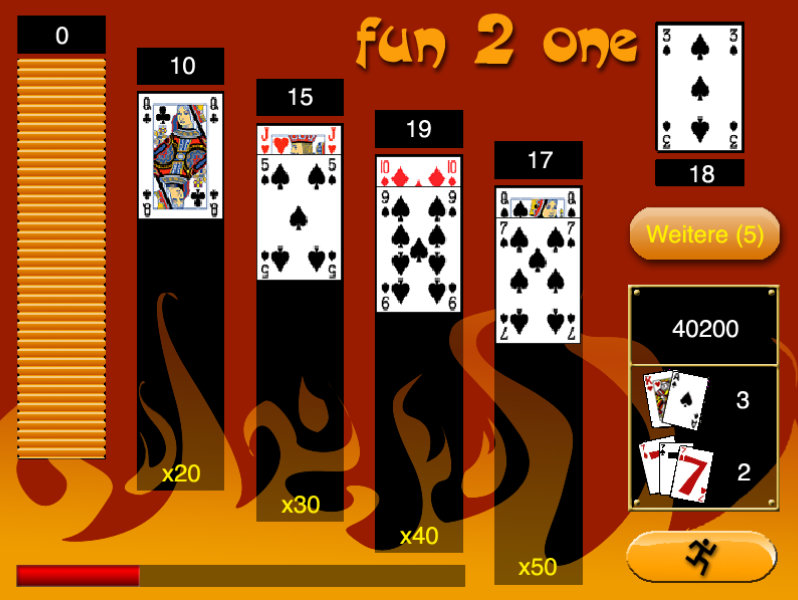
My solution was a rigorous layout logic that pushed important information — score, timer, next move, feedback, and controls — toward peripheral zones, keeping the central interaction area clear and readable.
- // Hit-target size optimization for fingers.
- // Instant visual feedback on touch-down.
Visual Diversity
Adapting to Genres
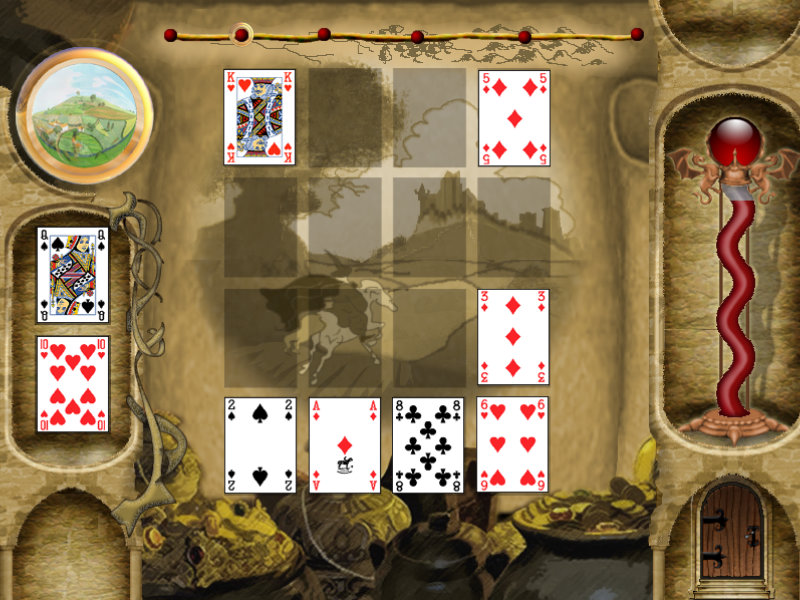
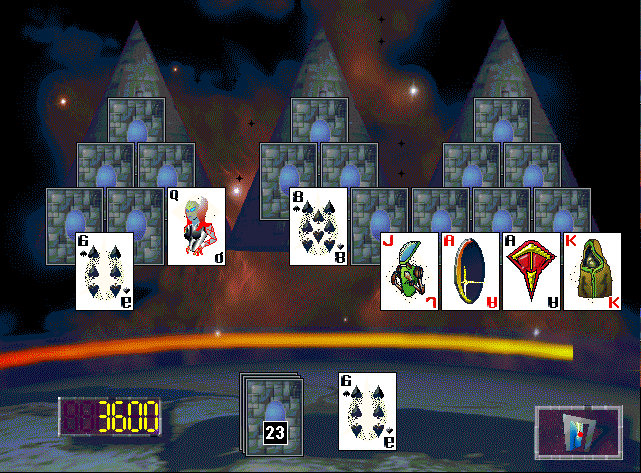
From puzzle games to card classics, every interface had to follow its own visual style while maintaining the same ergonomic principles. The challenge was to adapt the look and atmosphere of each game without compromising touch usability, readability, or fast visual feedback.
Each title required a different visual language, but the interaction rules had to remain clear: large targets, visible states, readable scoring, and interface elements positioned around real human hand movement.

Technical Artist Foundation
Back then, "Technical Artist" was not yet a common job title, but the work already required that mindset. Designing for Photoplay meant understanding not only visuals, but also file formats, memory limits, transparency handling, CRT behavior, and the rendering pipeline of the platform.
Handling TIFF alpha channels, optimizing palettes, preparing pixel-perfect graphics, and calibrating visuals for low-resolution CRT displays became part of the design process.
This experience formed the foundation of my career: understanding that strong interface design cannot exist without understanding the technical system it runs on.
Tools of the Trade (2000)
- brush Adobe Photoshop 5.5 — managing alpha channels
- view_comfy Pixel-perfect icon design — before scalable vector workflows
- hardware CRT color calibration
- palette Bitmap and palette optimization
Touch Before Smartphones
Funworld taught me that interaction design is always physical. Long before mobile UX became mainstream, I was already designing interfaces around fingers, hands, screen limits, feedback timing, and real-world ergonomic constraints.